
This Week’s Groceries
Plan the week’s meals once. The shopping list, the aisles and the totals take care of themselves.
Private beta — invite only.
Your kitchen
Write your meals down once.
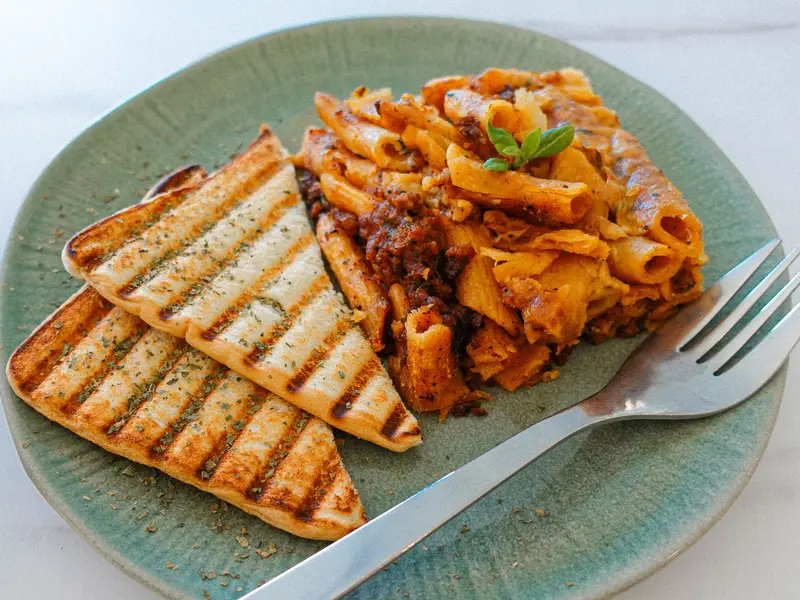
The dishes your household actually cooks, each carrying the ingredients it needs — plus the staples that go in the cart every week whether or not a meal calls for them. Type a meal’s name and the ingredients arrive already filled in; fix what’s wrong and keep the rest. Set both up once and you never rebuild them.



Dinner decided before you get to the store.
Plan the week
Drop meals on days. The list writes itself.
Choose how many days and how many people, then put meals where you want them. Every ingredient lands on the shopping list on its own, scaled to who is eating. Four days or eleven — nothing is locked to a calendar week.
In the store
One list, in the order you walk the aisles.
The list becomes a receipt grouped the way your store is laid out. Tick as you go. Nothing forgotten, nothing bought twice, no walking back across the shop for the one thing.






Together
Everyone shops from the same list.
Invite the rest of your household and you all see the same meals, the same staples and the same list. One person adds tomatoes on the way home and it is there before anybody reaches the aisle — no group text, nobody coming back with a second gallon of milk.
On your phone
It lives in your pocket.
Add it to your home screen and it opens like an app — full screen, no address bar, no tab to find. Built for one hand while the other is pushing a cart.
Connected to your store
Real prices and aisles from Kroger.
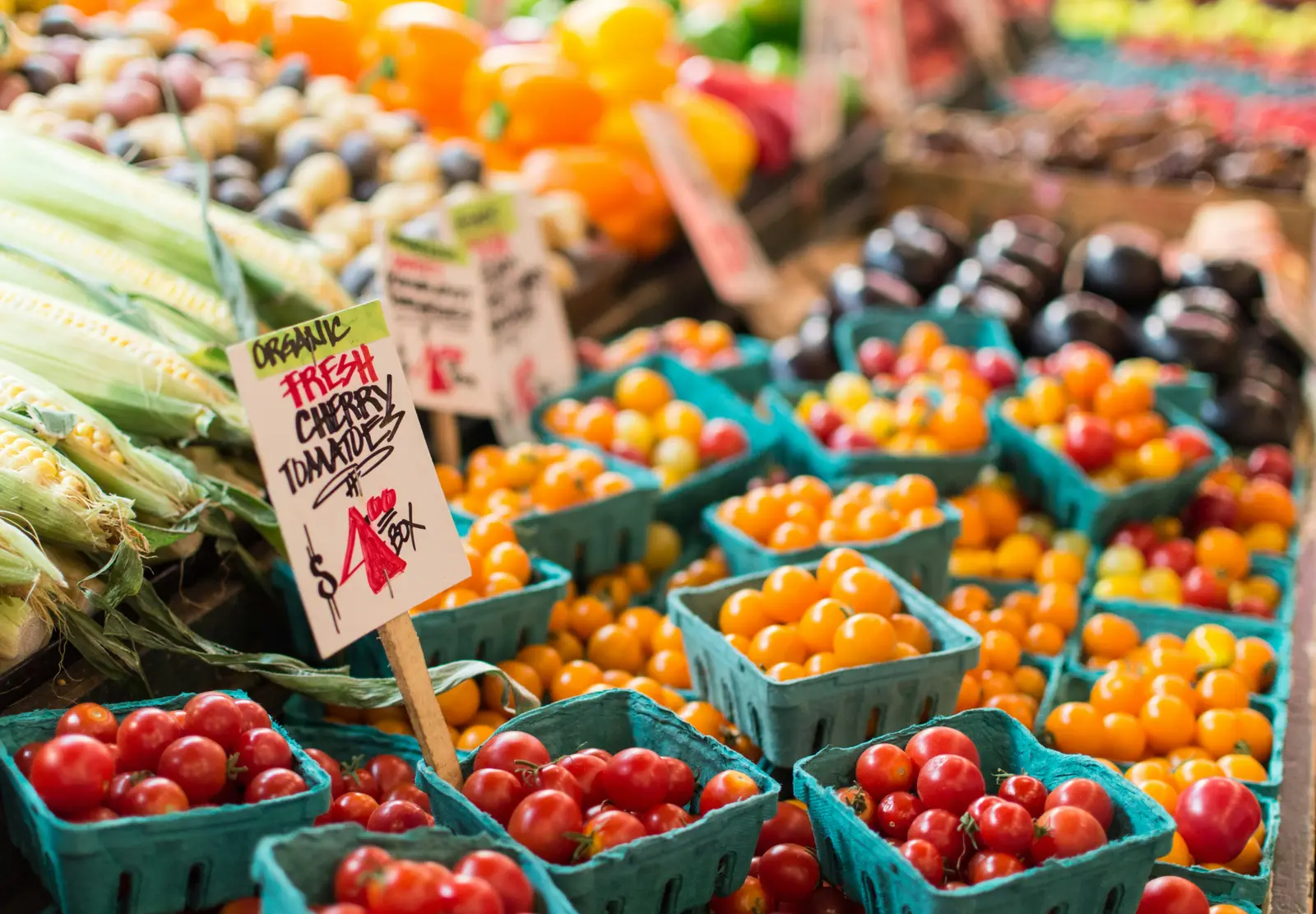
Attach a real Kroger product to an ingredient and you get its price, its promo price and the aisle it sits in — at the store you actually shop, not an average. So you know what a run costs before you are standing at the register.
Shop somewhere else? Add anything by hand, from any store. Kroger just saves you the typing.